 Midgard Roads
How to Play Board Games Online With Friends Far Away (Game Night Guide)
Play now Free · 2–5 players · no download, no sign-up
Friends scattered across cities, countries or time zones? A remote game night does not need special software. Here is how to run one with Midgard Roads, a free tile-laying board game that works in the browser.
What do we need?
Just a link. One person creates a room, shares the link or QR code, and everyone else opens it. There is nothing to install, and nobody has to make an account. It runs on phones, tablets and computers, so people can join from wherever they are.
How do I set up the room?
- Create a room on the home page and enter a guild name.
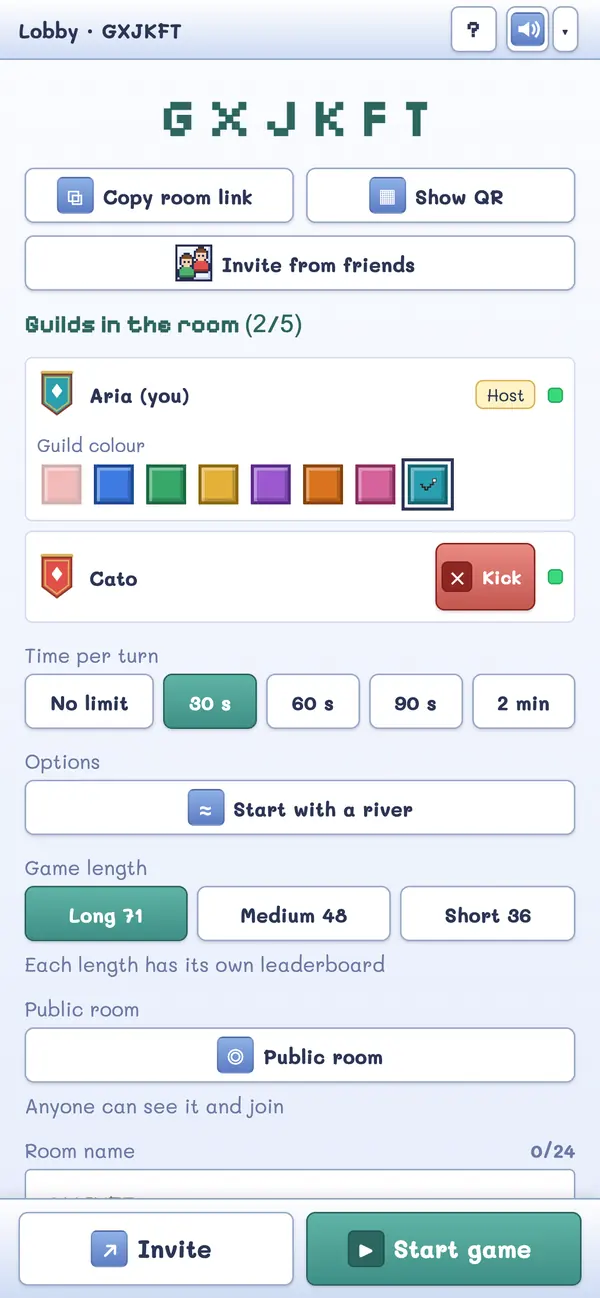
- Copy the room link and send it to your friends in your usual chat app (the Share button on a phone does this in two taps).
- Everyone who opens the link picks a guild name and lands in the lobby.
- When 2 to 5 players are there, the host taps Start game.
The room remembers its state, so if someone's connection drops, the game reconnects automatically when they come back. A room is cleaned up by itself after 7 days with no activity.
Can we talk while we play?
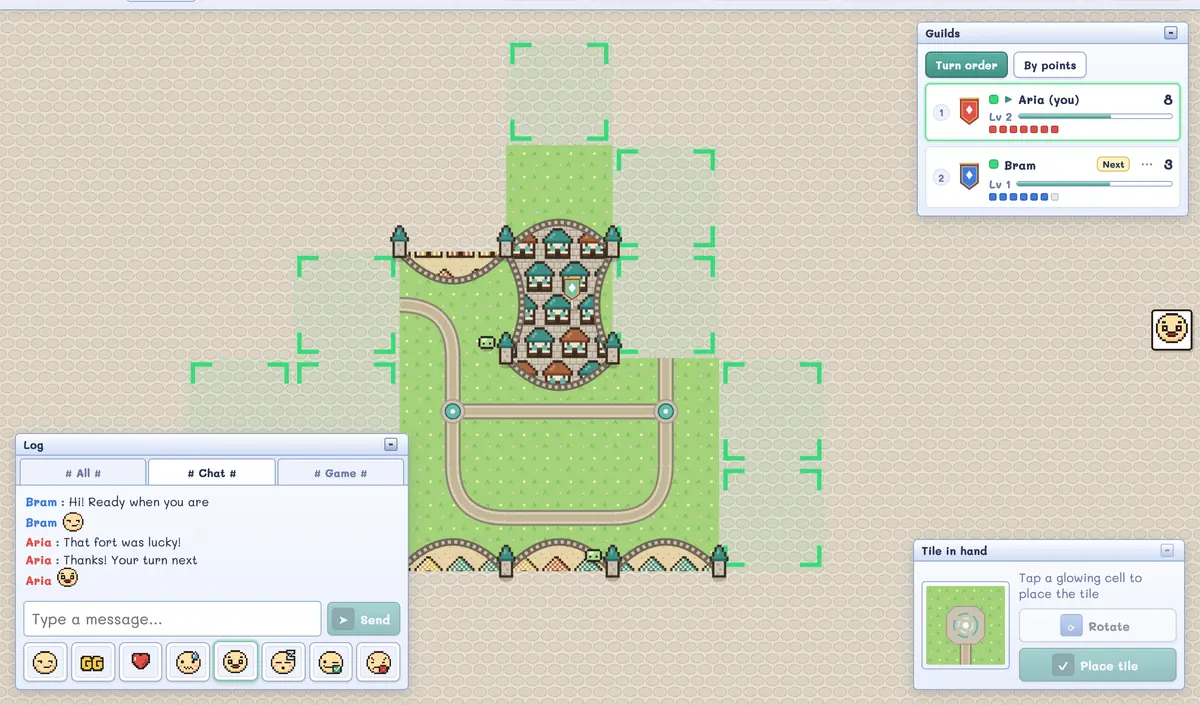
Yes, in two ways. The game has its own text chat and emotes in the lobby and during the game — handy for a quick "your turn!" or "GG". For voice, simply run any call app you already use alongside the game; Midgard Roads does not include a voice call itself.
How do we keep turns moving?
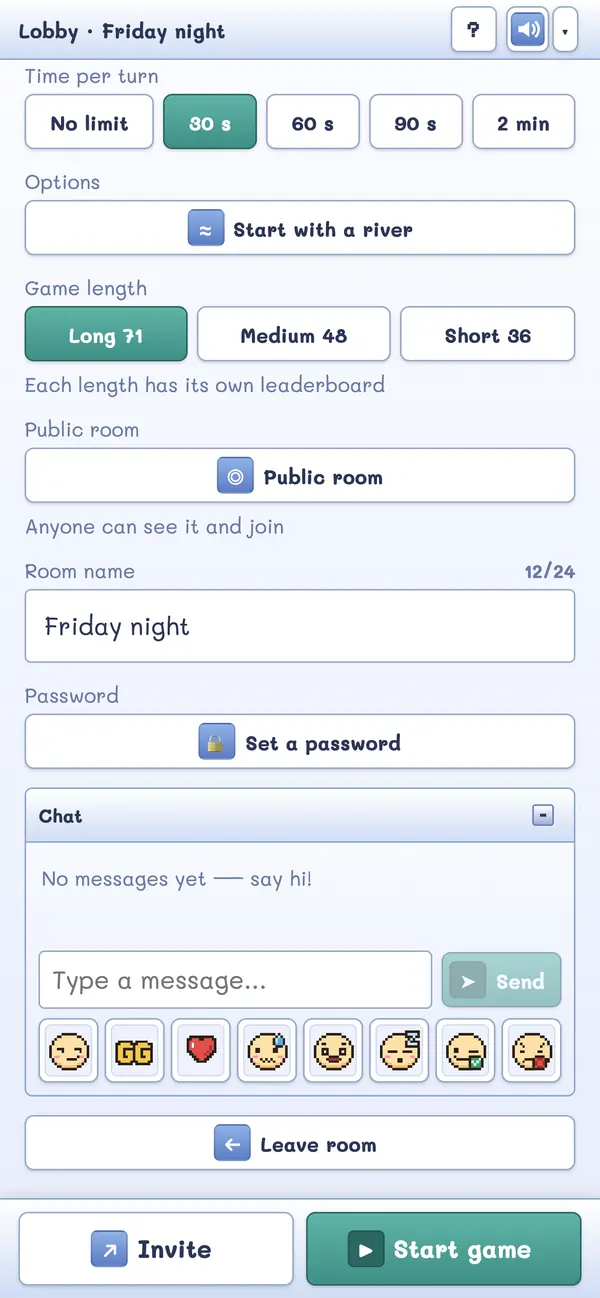
The host chooses a turn timer when creating the room and can change it in the lobby until the game starts: unlimited, 30 seconds, 60 seconds, 90 seconds or 2 minutes. Rooms made from the home page start at 30 seconds.
If time runs out while placing a tile, the tile passes to the next player. If it runs out while placing an adventurer, it simply counts as not placing one. Your game never gets stuck on someone who stepped away.
On your own turn you also get a short chime (even when the tab is in the background), and you can opt in to browser notifications so you can switch tabs while you wait. If a player is offline for over 60 seconds on their turn, the host gets a Skip turn button.
What if someone joins late or needs to leave?
- Joining after the game has started means watching as a spectator.
- Leaving a running game is allowed, and the game can be continued from the same room link.
- The host can remove a player from the lobby or the game if needed.
What if we only have two or three people?
That is fine — the game supports 2 to 5 players. For a smaller group, tiles run out the same way, so each turn matters more.
How do I find people to play with?
If your friends are busy, tap Find players on the home page to join an open public room. Signed-in hosts can open a public room; everyone can see the list of open rooms.
The home page also has the Town Square: one global chat where players say hello and invite others into their lobby. Anyone can read it, and posting needs a Google sign-in (this keeps spam away and lets moderators act if there is trouble).
Any tips for a smooth night?
- Share the rules first: send your friends the beginner's guide before the night.
- Agree on a timer. 60 seconds is relaxed, 30 is brisk.
- Try the river start option for a fresh feeling.
- Skim the scoring tips if you want to get competitive.
Start a game night — it's free
Play now Free · 2–5 players · no download, no sign-up